
Capture the service context
Record food items and weights manually. Keep preparation, spoilage and plate-waste categories distinct so different causes can be explored.
FROM PREPARATION TO THE LAST COVER.
Make restaurant food waste monitoring practical by recording preparation waste, unused food and plate returns with the detail of each service.
FOR RESTAURANTS & BUFFETS
Guest demand changes throughout service. A useful waste record connects the item and weight with the kitchen, service and waste type, so managers can ask more specific questions.
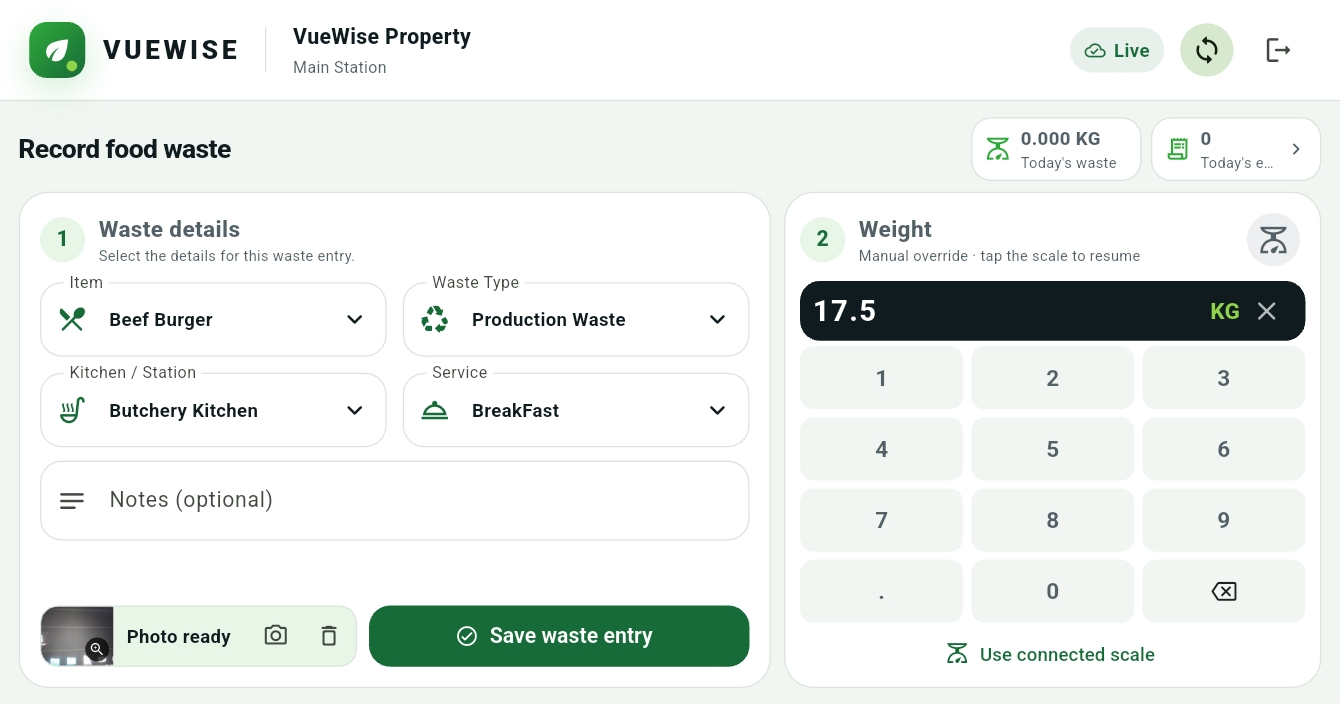
Actual VueWise interface · Manual weight entry
Record food items and weights manually. Keep preparation, spoilage and plate-waste categories distinct so different causes can be explored.
Compare services and wasted items. Review waste per cover alongside total weight to account for changes in guest volumes.
Consider an adjustment to batch size, replenishment or portion planning. Assign responsibility and review the next comparable period.
FROM RECORDING TO REVIEW
Use a regular service review to ask whether changes to preparation or replenishment are reflected in the records. Keep the interpretation with your team.
A CLEARER VIEW STARTS WITH A CONVERSATION
Explore what better waste visibility could mean for your team.
Book a Demo